

Screening Rounds
Candidate screening. Ask beyond the CV.
Collect the details and role-specific answers your team needs before the next conversation, in a screening round candidates complete in their own time.
For teams combining practical eligibility details with structured first-round questions.

Part of Tarkflo Hire
Different questions need different kinds of answers.
A notice period is a fact to record. A role question needs a response to evaluate. Screening rounds keep those purposes distinct while gathering both in one candidate journey.
See the connected hiring platformFill the information gaps
Collect practical details that may be missing or out of date on a CV.
Ask the same core questions
Use a structured template to give your review team a more consistent starting point.
Prepare the next conversation
Carry responses into the candidate record instead of rebuilding context from separate forms.
Candidate details
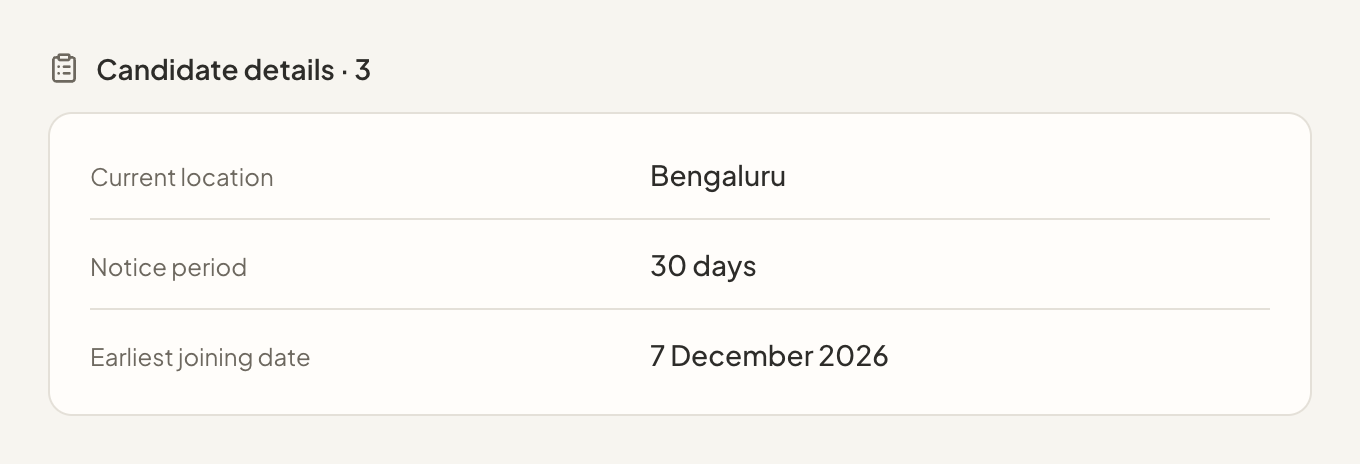
Record the facts that help you plan the next step.
Gather information such as location, notice period or joining availability without confusing administrative details with a scored answer.
- Structured candidate-detail questions
- Information attached to the application
- Facts kept separate from scored responses
Flexible response formats
Use the format that suits the question.
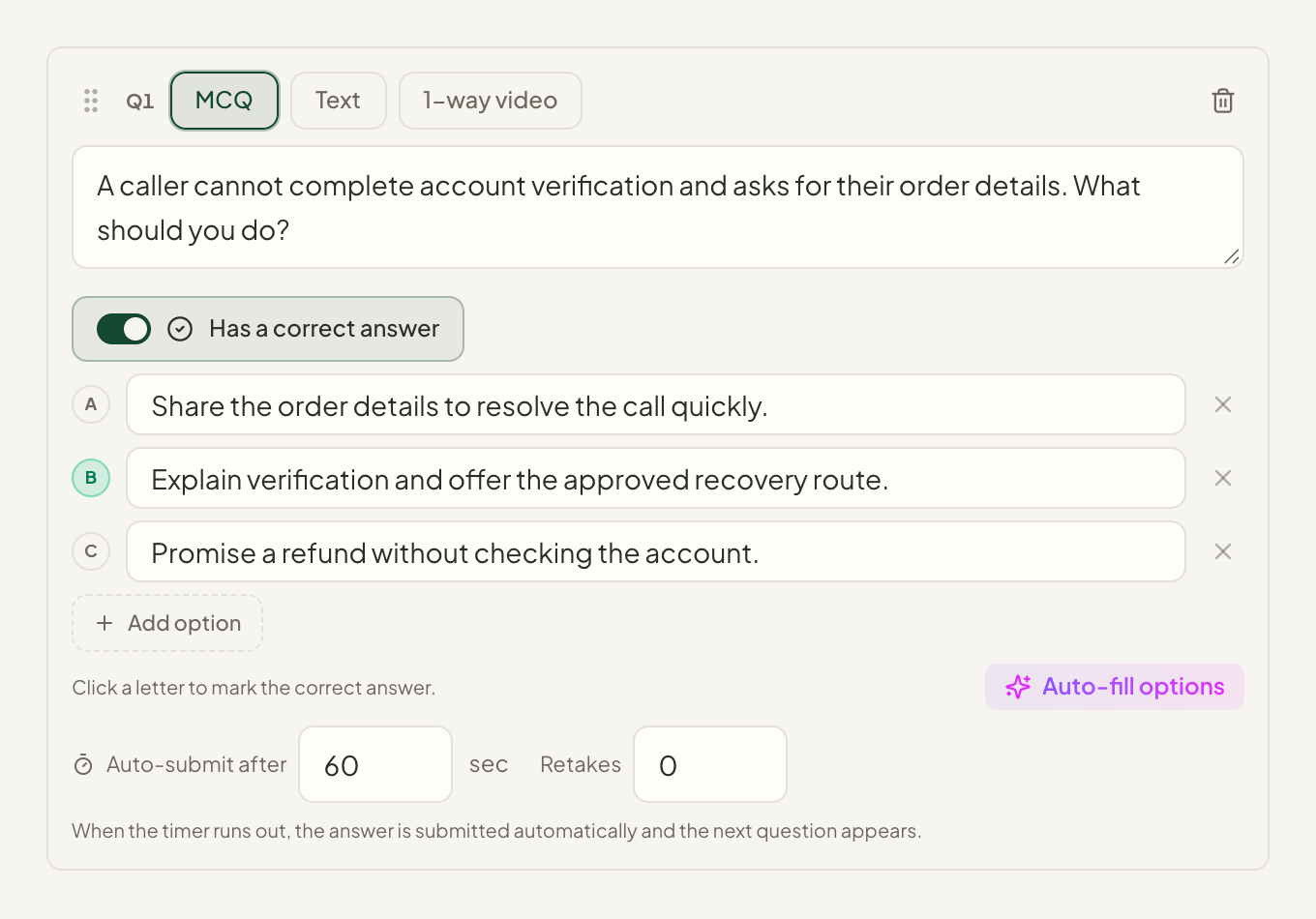
Build screening templates with multiple-choice questions, written answers or one-way video, depending on what the role needs.
- Multiple-choice and written questions
- One-way video responses
- Reusable templates for relevant hiring rounds
Review with context
Keep the response behind the evaluation.
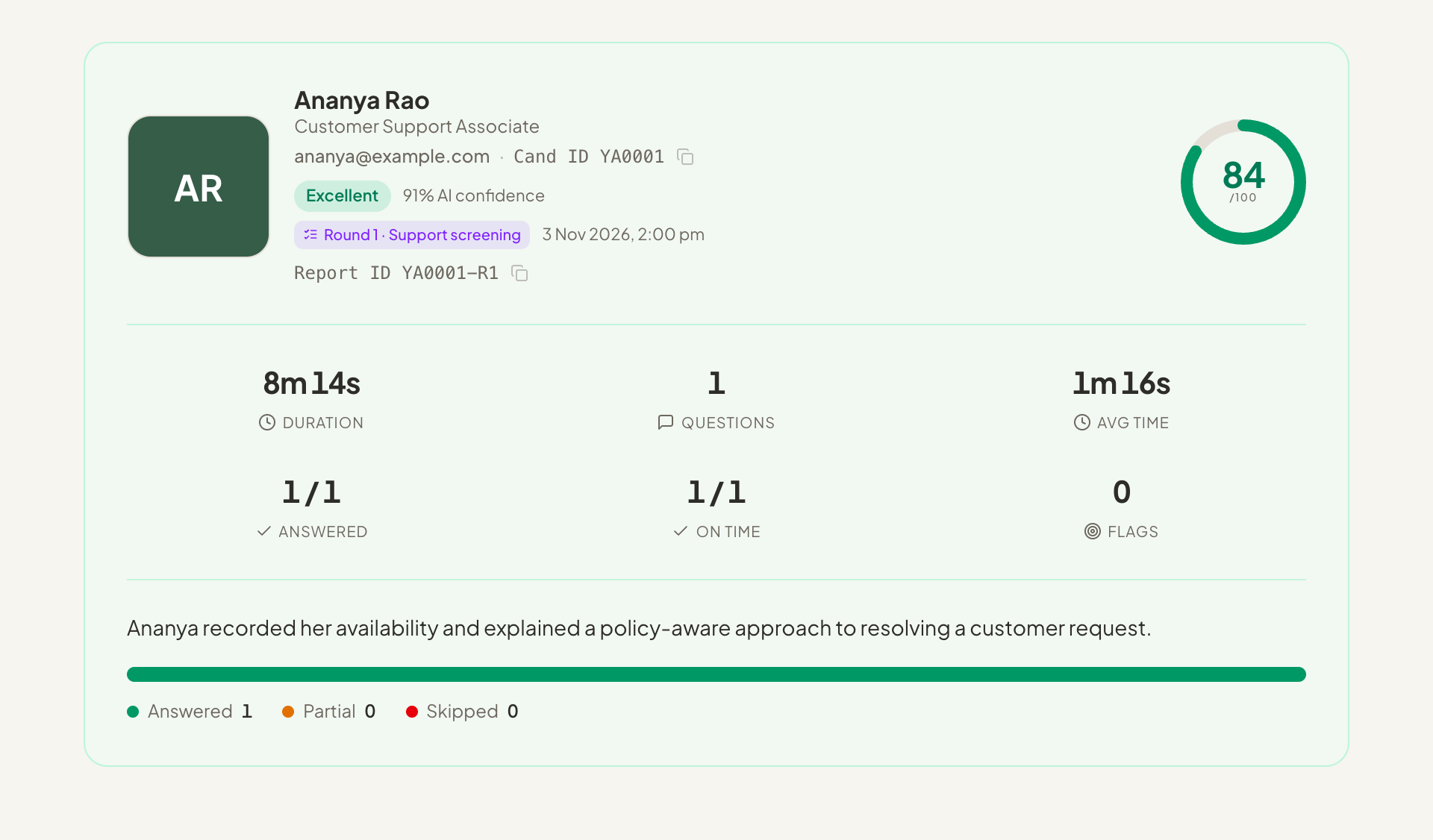
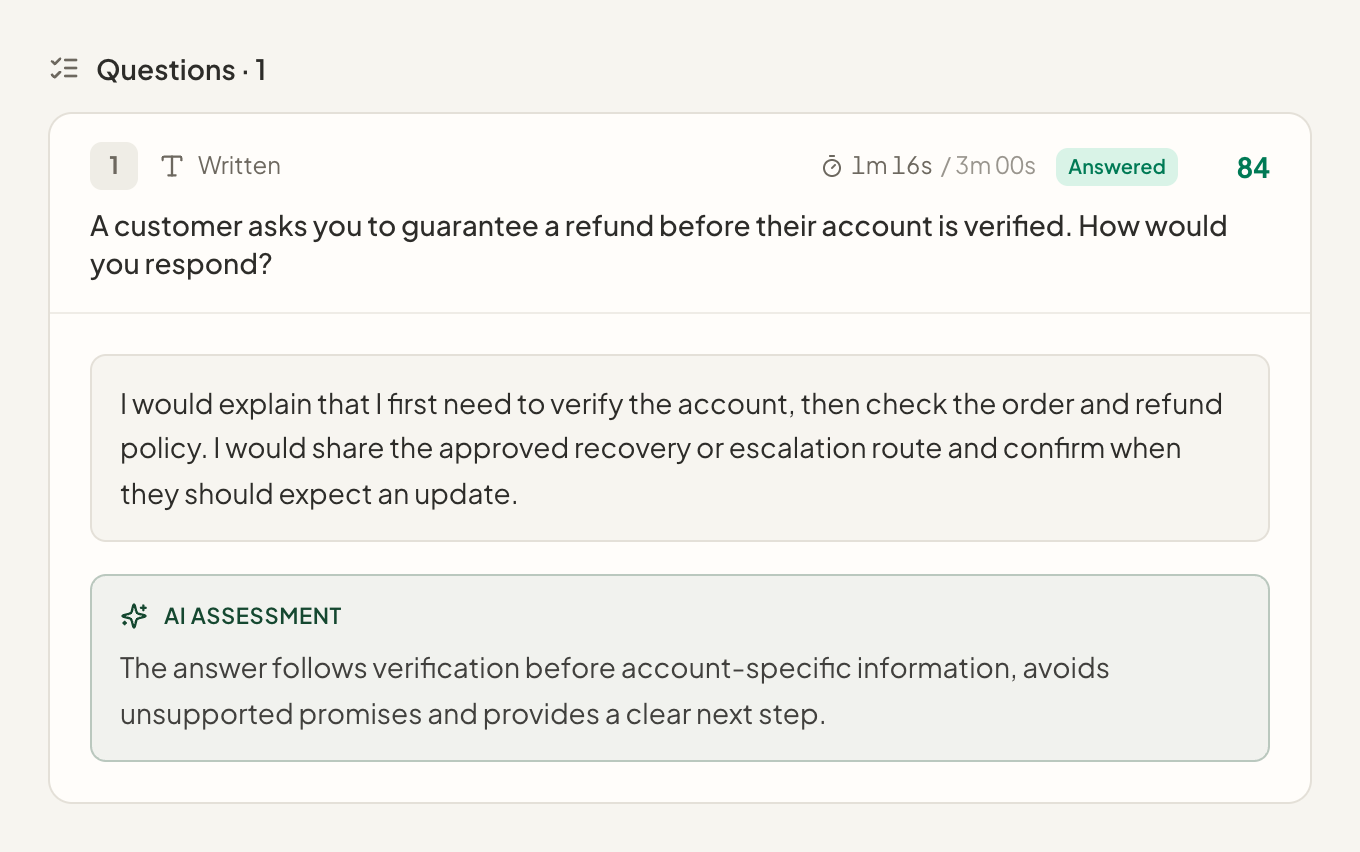
Review collected answers alongside available scoring and notes. Responses that cannot be reliably graded remain available for human review.
- Answers retained with the candidate record
- Scored and informational questions distinguished
- Manual review where automatic grading is unavailable
From setup to next step
How it fits into your workflow.
Prepare the template
Choose the candidate details, question formats and evaluation criteria for this round.
Invite the candidate
The candidate follows the invitation and completes the configured screening experience.
Review the responses
Inspect the answers and any available evaluation before deciding the next stage.
Questions about Screening Rounds.
Better together
Keep the next step connected.
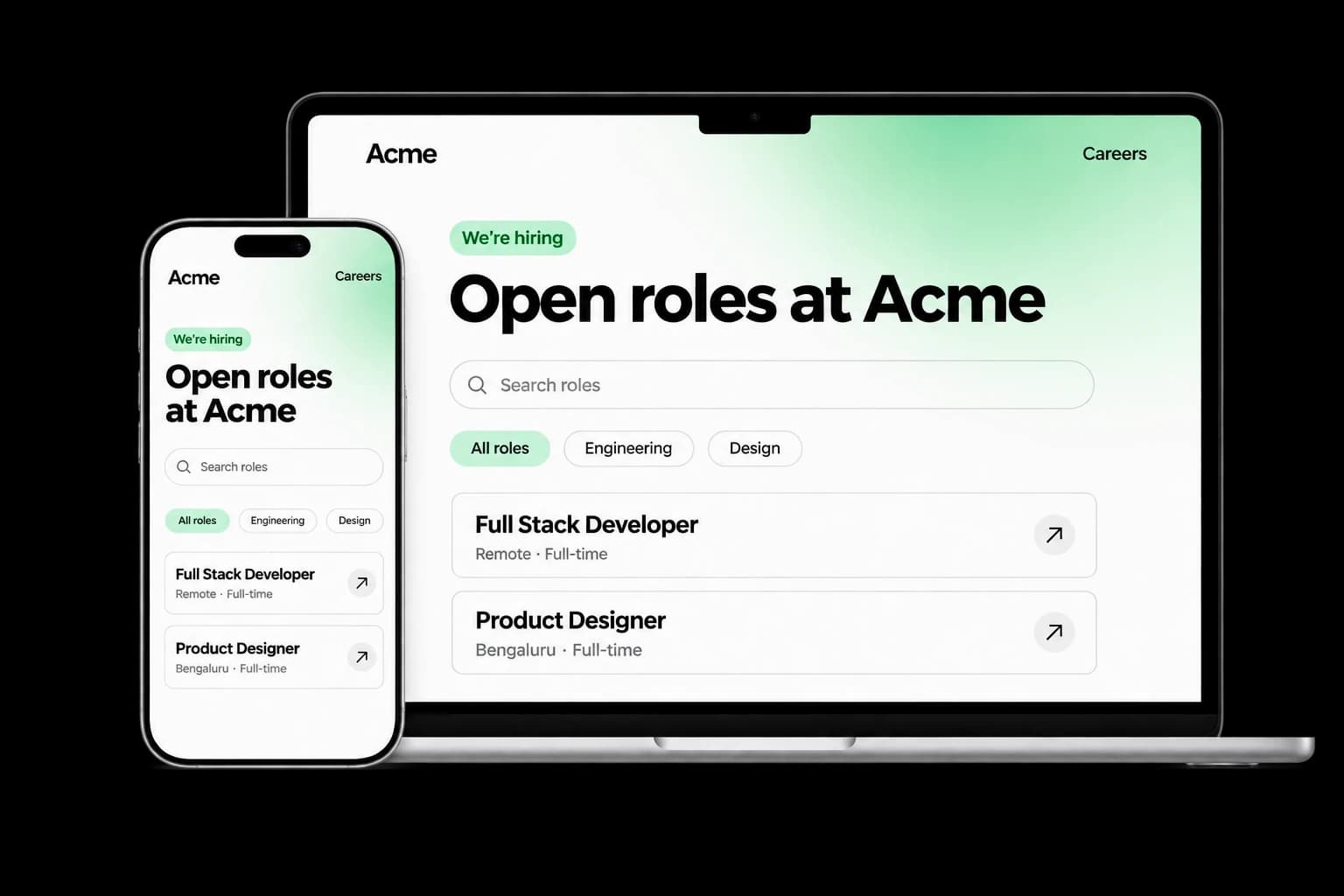
Career Page Builder
Build a branded careers experience with editable content, live job listings and applications connected to your Tarkflo hiring pipeline.
Explore the module FitScore CV Screening
FitScore CV Screening
Screen CVs against role requirements with FitScore: a 0–100 match score, confidence and supporting evidence for recruiter review.
Explore the module Screening RoundsScreening Rounds
Collect candidate details, multiple-choice answers, written responses and one-way video in structured screening rounds connected to Hire.
Explore the module AI Interviews
AI Interviews
Run role-specific two-way AI voice interviews with follow-up questions, candidate transcripts, recordings and evaluations for human review.
Explore the module AI Proctoring
AI Proctoring
Explore configurable interview proctoring: browser and camera checks, supported audio signals, room scans, side-camera options and timestamped evidence for human review.
Explore the module Candidate Reports & Evidence
Candidate Reports & Evidence
Review interview evaluations, screening responses, transcripts and recordings in connected candidate reports, with sharing and export controls.
Explore the module Lens Conversational ATS
Lens Conversational ATS
Ask hiring questions in natural language with Lens, Tarkflo’s conversational ATS grounded in candidate records and interview evidence.
Explore the module Hiring Workflows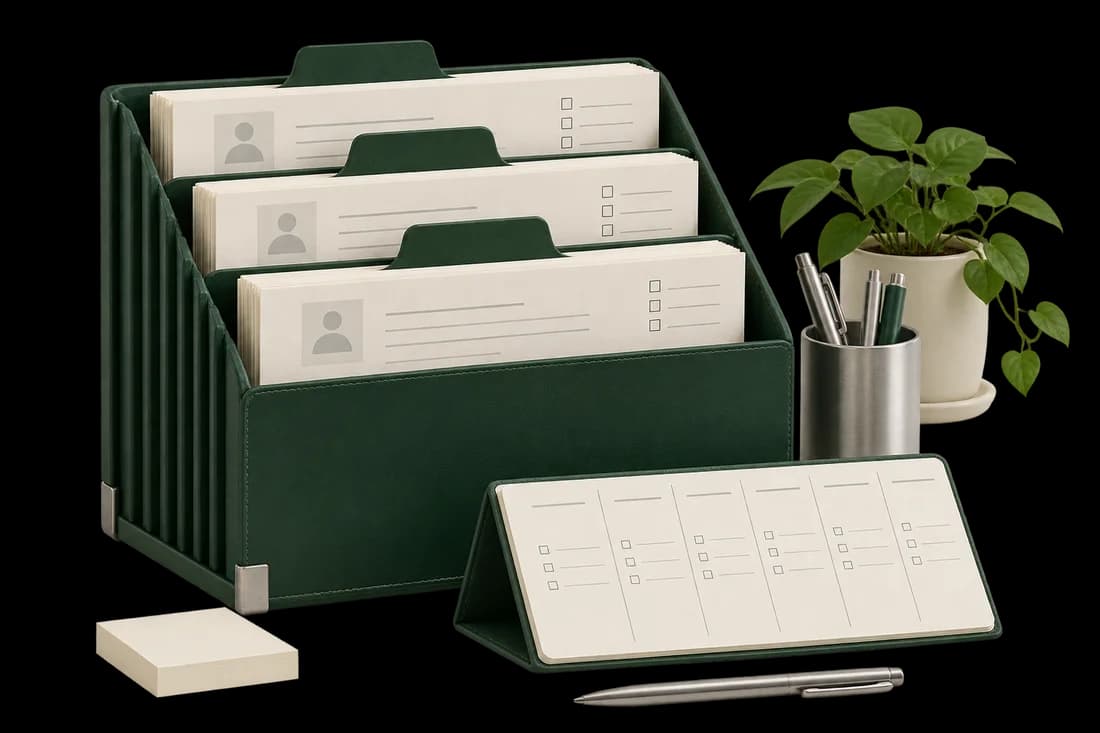
Hiring Workflows
Configure hiring stages, screening rounds, interviews and progression rules in connected candidate workflows, with human review where it matters.
Explore the module Candidate Communication
Candidate Communication
Keep candidate email conversations, invitations and replies connected to the relevant application and hiring history in Tarkflo Hire.
Explore the module Offers & E-signatures
Offers & E-signatures
Prepare reusable offer templates, fill candidate-specific details and track electronic acceptance in the same hiring workflow.
Explore the module Candidate Onboarding
Candidate Onboarding
Connect candidate documents, accepted offers, joining dates and onboarding tasks in Tarkflo Hire’s candidate onboarding module.
Explore the moduleYour workflow. Your next hire.
Make the first round answer the right questions.
Build a screening flow around the information your recruiters actually need.
A practical walkthrough, built around your hiring process.