

Candidate Reports & Evidence
Candidate reports. Evidence for your next decision.
Bring responses, interview evidence and role criteria into one review, so a score becomes the beginning of a discussion—not the end of one.
For recruiters, hiring managers and agency teams making candidate decisions together.

Part of Tarkflo Hire
A hiring decision needs a trail you can follow.
Move from an overview of candidates into the detail of a round. Read what was assessed, examine the underlying responses and bring the right people into the review.
See the connected hiring platformInvestigate a result
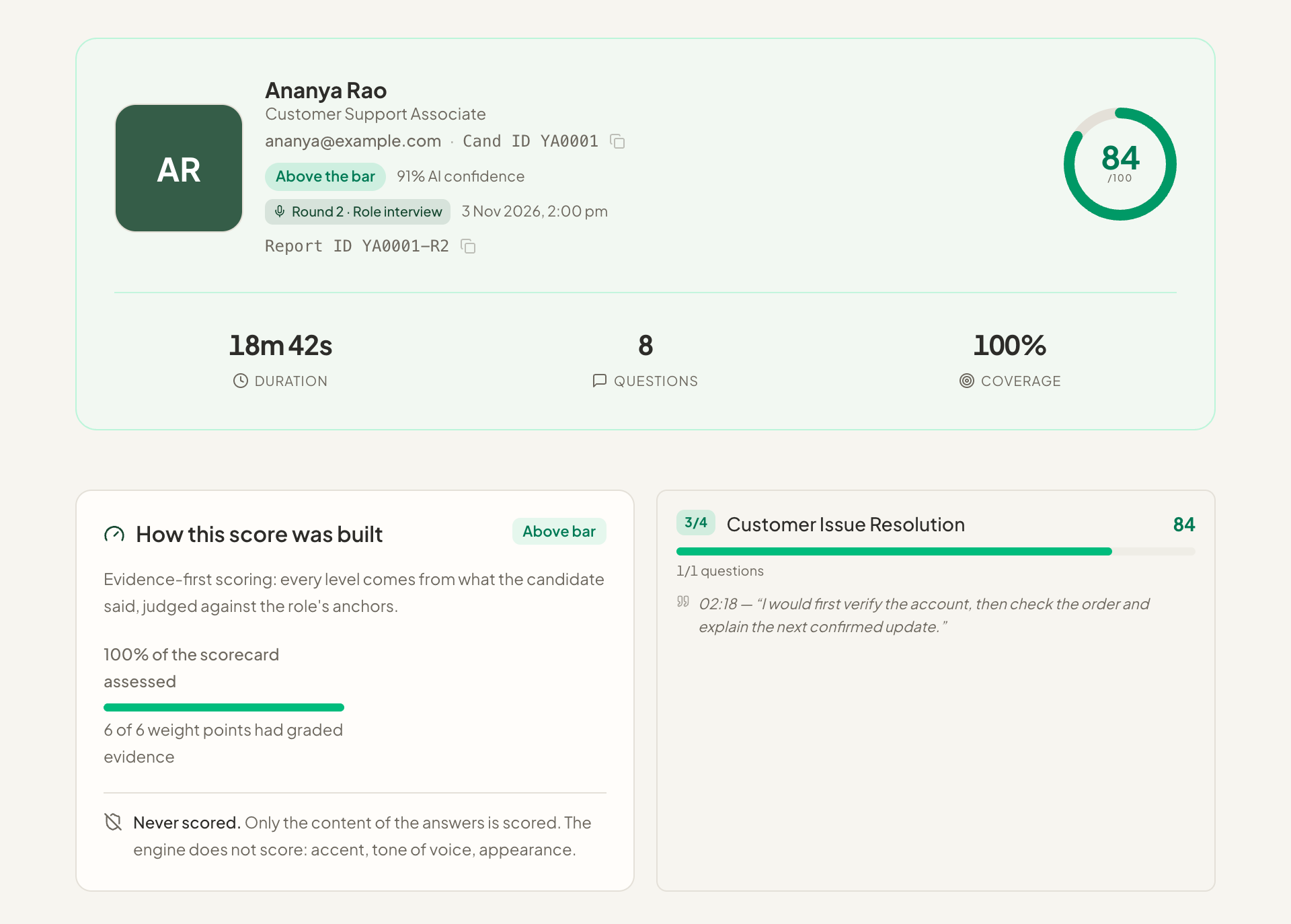
Go beyond the overall score to the answers and criteria that shaped the evaluation.
Keep rounds in context
Review a candidate’s screening and interview results without losing the application they belong to.
Coordinate the review
Share the relevant candidate evidence with authorized teammates or client reviewers.
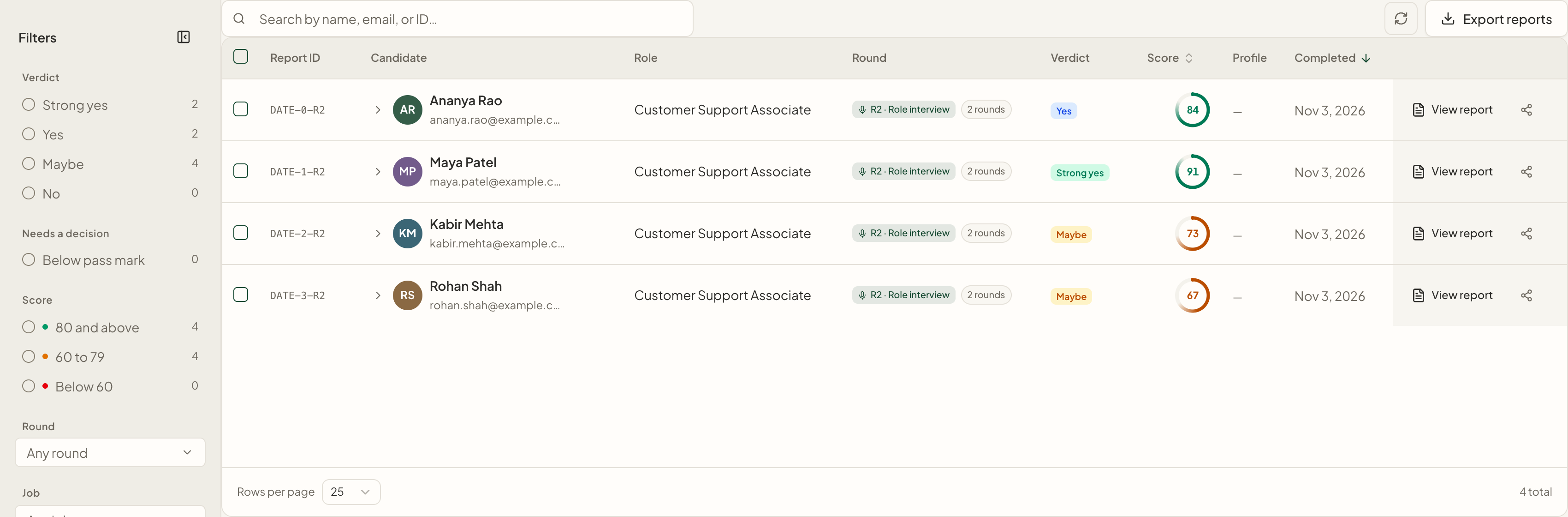
A clear review queue
Find the candidate and round that need attention.
Search and filter candidate reports by the available job, result and completion information, then open a detailed review.
- Candidate and job context
- Round-level scores and evaluations
- Filters for a more focused review queue
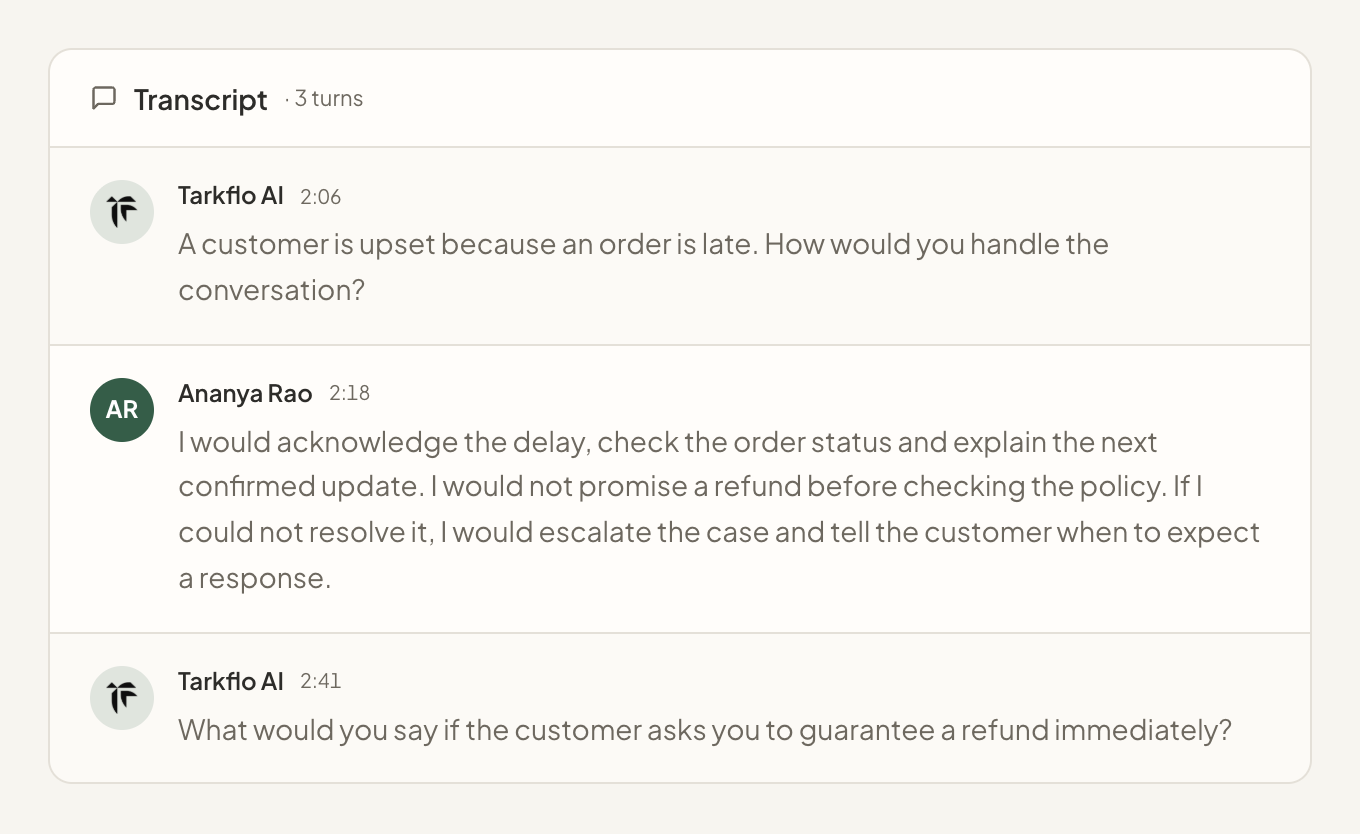
The detail behind the score
Look at the response before accepting the conclusion.
Examine available interview transcripts, recordings and screening answers alongside the criteria-based evaluation.
- Supporting candidate answers
- Available transcript and recording
- Evidence to guide a follow-up conversation
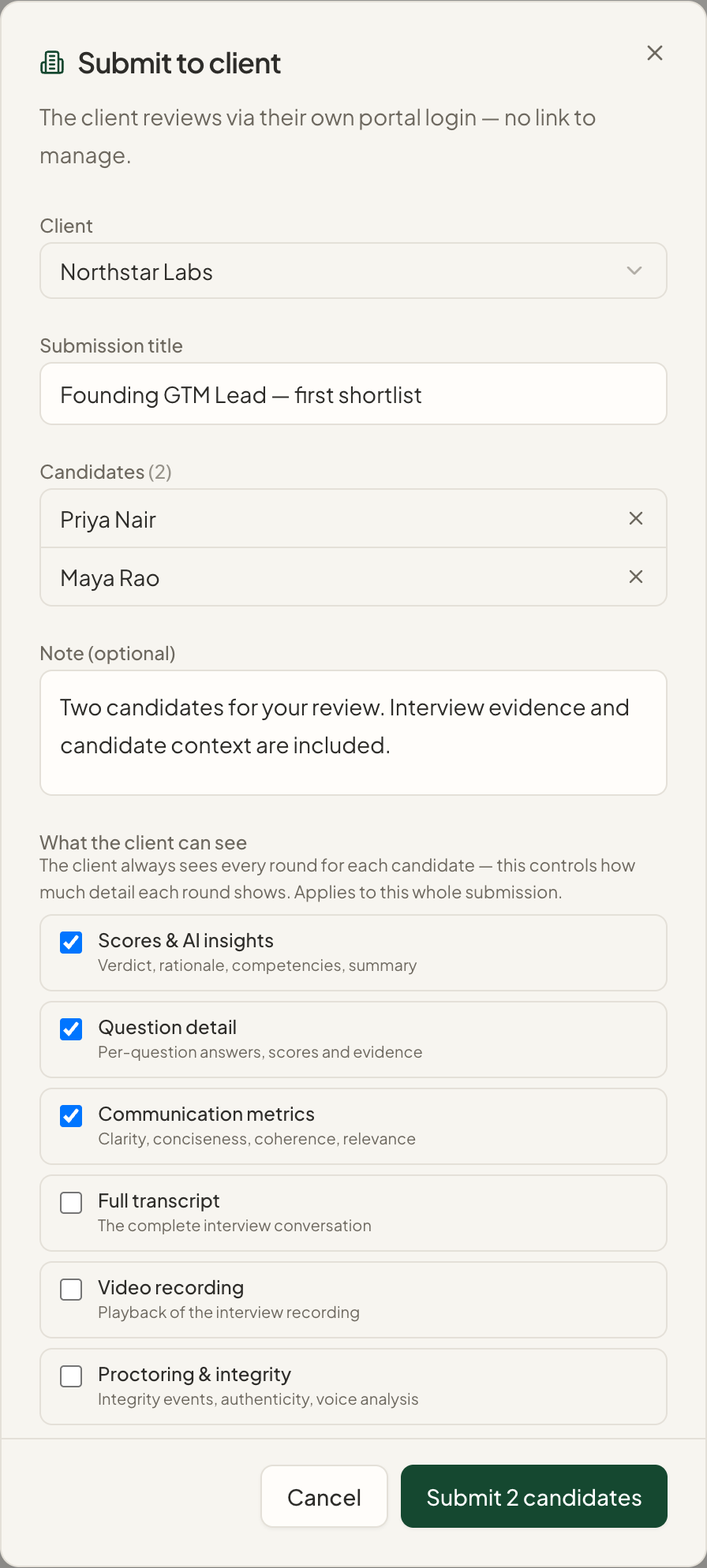
Controlled collaboration
Bring the review to the people who need it.
Share reports with teammates, or use client-sharing capabilities on eligible agency accounts. Authorized users can export the data they need.
- Team sharing with access controls
- Client review on eligible agency workspaces
- CSV and Excel exports where permitted
From setup to next step
How it fits into your workflow.
Open the review queue
Find a candidate or narrow the reports by role, result and other available filters.
Inspect the round
Read the evaluation and return to the underlying responses or interview evidence.
Record the human decision
Coordinate the review and decide whether to progress, investigate further or close the application.
Questions about Candidate Reports & Evidence.
Better together
Keep the next step connected.
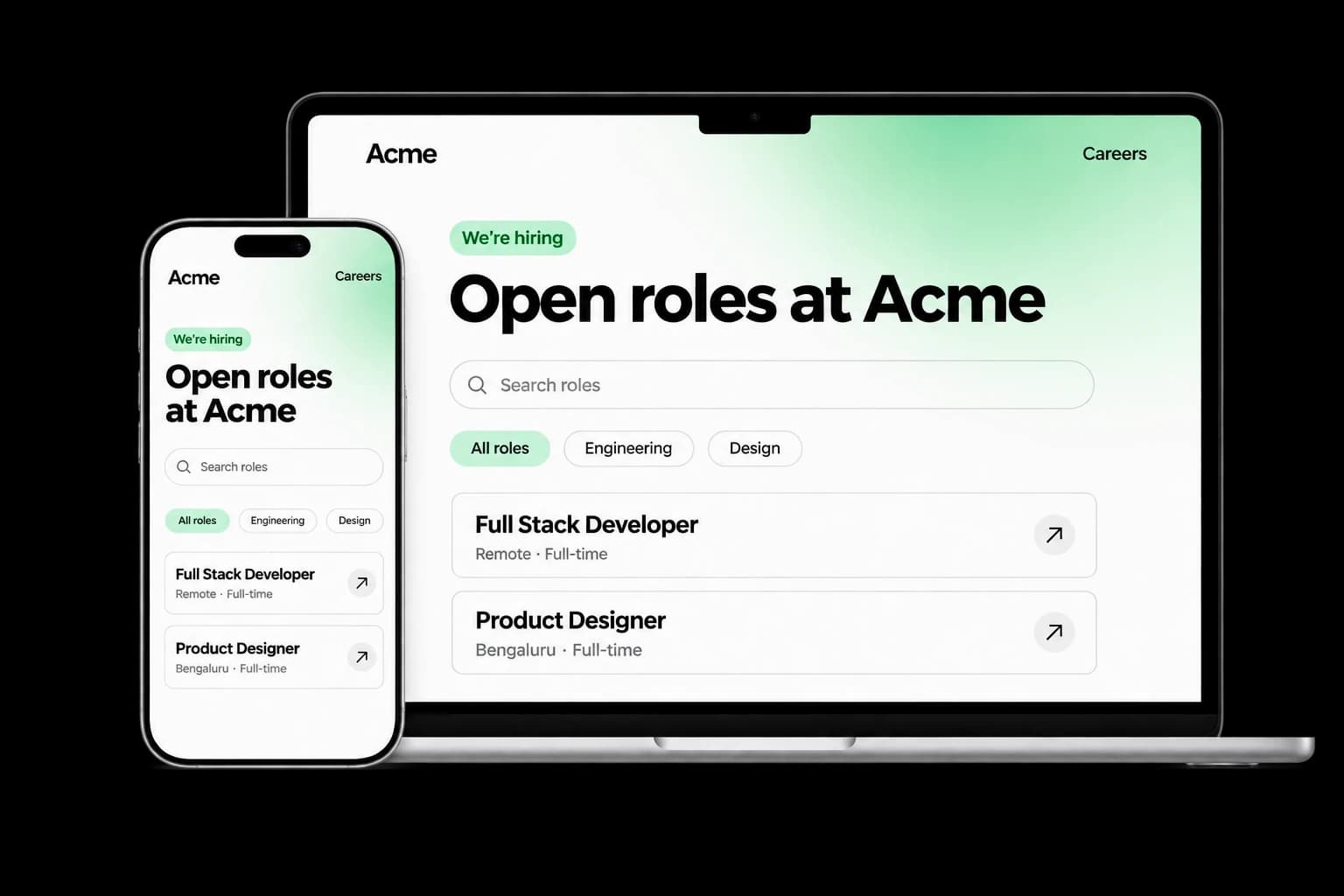
Career Page Builder
Build a branded careers experience with editable content, live job listings and applications connected to your Tarkflo hiring pipeline.
Explore the module FitScore CV Screening
FitScore CV Screening
Screen CVs against role requirements with FitScore: a 0–100 match score, confidence and supporting evidence for recruiter review.
Explore the module Screening Rounds
Screening Rounds
Collect candidate details, multiple-choice answers, written responses and one-way video in structured screening rounds connected to Hire.
Explore the module AI Interviews
AI Interviews
Run role-specific two-way AI voice interviews with follow-up questions, candidate transcripts, recordings and evaluations for human review.
Explore the module AI Proctoring
AI Proctoring
Explore configurable interview proctoring: browser and camera checks, supported audio signals, room scans, side-camera options and timestamped evidence for human review.
Explore the module Candidate Reports & EvidenceCandidate Reports & Evidence
Review interview evaluations, screening responses, transcripts and recordings in connected candidate reports, with sharing and export controls.
Explore the module Lens Conversational ATS
Lens Conversational ATS
Ask hiring questions in natural language with Lens, Tarkflo’s conversational ATS grounded in candidate records and interview evidence.
Explore the module Hiring Workflows
Hiring Workflows
Configure hiring stages, screening rounds, interviews and progression rules in connected candidate workflows, with human review where it matters.
Explore the module Candidate Communication
Candidate Communication
Keep candidate email conversations, invitations and replies connected to the relevant application and hiring history in Tarkflo Hire.
Explore the module Offers & E-signatures
Offers & E-signatures
Prepare reusable offer templates, fill candidate-specific details and track electronic acceptance in the same hiring workflow.
Explore the module Candidate Onboarding
Candidate Onboarding
Connect candidate documents, accepted offers, joining dates and onboarding tasks in Tarkflo Hire’s candidate onboarding module.
Explore the moduleYour workflow. Your next hire.
Make your next candidate review more concrete.
Explore a report from the summary down to the evidence behind it.
A practical walkthrough, built around your hiring process.